Workflow Automation for Small Businesses, A Practical Guide
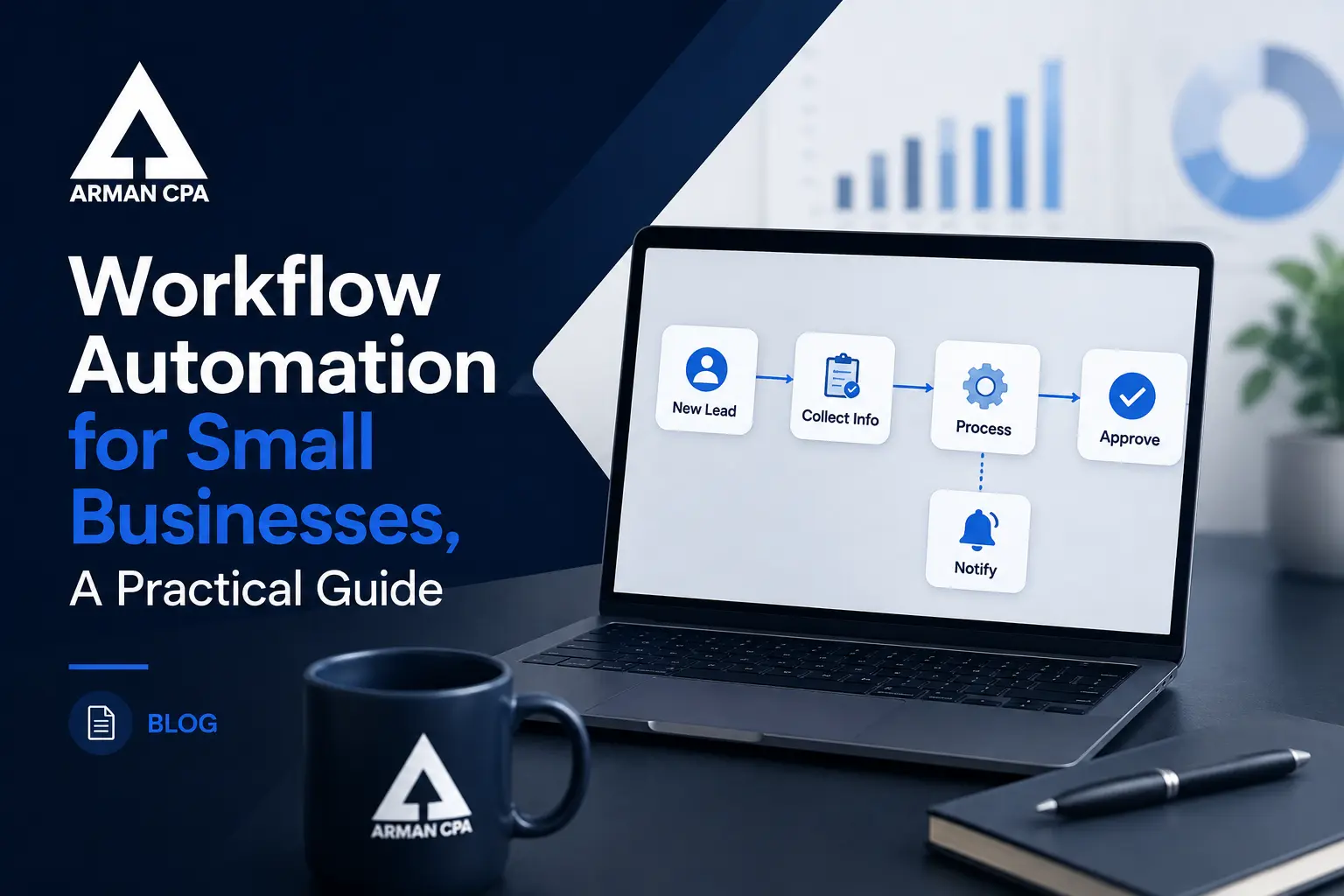
Every business owner has a list of tasks that eat up hours each week, chasing invoices, entering data, approving expenses, and reconciling accounts. Workflow automation replaces these repetitive steps with software that runs in the background, so your team can focus on work that actually grows the business. This guide covers what workflow automation looks like in practice, the tasks worth automating first, and how to roll it out without disrupting your operations.
What Workflow Automation Actually Does
Workflow automation connects the tools you already use, accounting software, payment platforms, email, and document storage, so information moves between them without manual entry. Instead of copying data from an invoice into your accounting system, automation can capture it, categorize it, and route it for approval on its own. The result is fewer errors, faster turnaround, and a clear record of every step along the way.
The Best Places to Start Automating
Not every task needs automation, but a few areas offer the fastest return. Invoice processing, expense approvals, payroll data entry, and bank reconciliation are common starting points because they are repetitive, rule based, and time consuming. Automating these tasks first frees up hours each week and builds confidence before tackling more complex workflows.
Common Mistakes Businesses Make
The biggest mistake is trying to automate everything at once. This usually leads to confusion, broken processes, and frustrated staff. Another common error is automating a process that is already inefficient, which just makes the inefficiency move faster. The right approach is to clean up a process first, then automate it, and roll out changes gradually so your team can adjust.
How Automation Supports Better Financial Decisions
When routine tasks run automatically, your financial data stays current instead of sitting in a backlog. Real time numbers mean you can catch cash flow issues early, spot spending trends, and make decisions based on where the business actually stands today. This is especially valuable during tax season, when accurate, up to date records save time and reduce stress.
Getting Automation Right for Your Business
Workflow automation works best when it is set up by someone who understands both the technology and your financial picture. A generic automation tool might move data around, but it will not know which numbers matter most for your tax strategy or your growth plans. At Arman CPA, we help clients build automated workflows that are backed by CPA level oversight, so the systems you rely on are both efficient and accurate.
More Articles